


Tarot reading is a deeply personal and intuitive service, but bringing it online often introduces an avalanche of admin work. We hear this from the readers who join MysticLog Readers every week. Profiles on directories, links from social media, bios, availability, service menus, reviews, testimonials… Suddenly, offering spiritual guidance starts to feel as if you need to wear a second hat as a digital manager. In our experience, you do not have to choose between being present online and falling prey to digital overload. The answer is in simplicity and strategy.
A simple profile gets more attention and less confusion—both for you and your clients.
We want to share the best ways to keep your Tarot profiles simple, reduce the burden of manual updates, and even streamline your digital presence across platforms. These tips are drawn from supporting hundreds of spiritual professionals on MysticLog Readers. Our goal is to help you focus on what truly matters: your connection with those seeking your insight. Let’s go step by step.
Why simplicity matters for Tarot profiles
First, there’s the issue of trust. Clients feel more comfortable reaching out to a reader whose profile is clear, honest, and not cluttered with endless lists or updates. Second, your energy is valuable—every hour spent on admin is an hour away from sessions or self-care. By keeping your profile simple, you remove friction for both sides of the conversation.
Here’s how a simplified profile makes life easier:
- Fewer details mean fewer places to update when something changes
- Short, clear descriptions reduce misunderstandings
- Clients can absorb who you are and what you offer at a glance
- Saves time both on setup and recurring edits
- Avoids burnout and keeps you focused on readings
Let’s look at the practical ways to achieve this—in a way that does not chip away at your visibility.
Trimming the digital clutter without sacrificing connection
Most readers start with enthusiasm: they fill their directory profile, then expand to social media bios, a personal website, and listings in multiple places. The task gets harder as you try to keep each presence updated and consistent. The key is to focus on quality, not quantity.
Curate the essentials
On your MysticLog Readers profile, we recommend you include only:
- Your main offerings (for example, Tarot readings, coaching, dream interpretation… not every single format or package)
- The most relevant consultation formats (such as online chat, video, or in-person—no need to list every app or location)
- Languages and time zones you actively serve
- Brief, heart-led introduction—just 1-2 sentences that express your style or philosophy
- A direct way to initiate contact or booking
Everything else—the longer biography, testimonials, photo galleries, and list of every deck you own—can live elsewhere, like your personal site or a link-in-bio tool. Directories work best with profiles that are focused and reader-friendly, not encyclopedic.
Standardize your descriptions
Write a core description that can be reused across social media bios, your own website, and your directory listings. This saves you from having to rewrite from scratch every time a little detail changes. In our own tests, we found that having a basic set of 3-4 sentences describing one’s services, style, and contact method covered almost every situation.
Set limits—and stick to them
Give yourself a time boundary: for example, “I only update my profiles on the first of each month, and it takes 15 minutes.” Keeping your information minimal means you can glance over it and make changes easily, rather than spending hours combing through nested menus or duplicate content in many places.
Syncing availability and contact without chaos
One of the most common challenges is keeping your online availability, contact info, and session types accurate—especially if you read on more than one platform, or have appointments booked in real life. We’ve noticed that when readers stretch themselves too thin across booking forms, messaging apps, and calendars, things become complicated fast. There are realistic solutions.
Use one calendar as your source of truth
Pick a single digital calendar (Google Calendar, iCloud, or Outlook) to manage your Tarot reading schedule and time blocks. Many automation tools and apps now allow you to link this calendar with directory profiles, websites, or booking forms. With MysticLog Readers, you can reference your real-time calendar availability or just use a sentence (“I am available weekdays after 4pm and weekends by request”) and update it in one place, at the interval you choose.
Choose a single main point of contact
When possible, route all client inquiries through one channel—be it email, WhatsApp, or a booking form.
- Include the same contact link or address everywhere
- Consider using a tool like a shared inbox or CRM for Tarot readers (get inspired with ideas from our post on CRMs for Tarot readers vs generic solutions)
- Update contact details in your core description so one edit reflects across all platforms
This removes the need to keep track of pings from half a dozen social platforms or missed messages in your DMs.
Reusing content for your Tarot profiles and digital presence
We routinely see people struggle with “What should I write in my profile here, and how do I match it with my Instagram / Facebook / personal site?” The trick is to treat your core bio, experience, and offering paragraphs as modular content—ready to copy-paste or slightly adjust between platforms.
Build a content bank
Keep a document (Google Docs, Notion, even a simple .txt file) with:
- Your main 2-3 line bio
- Service menu summary (one-liner for each offering)
- Standard booking/cancellation policy blurb
- FAQs for clients new to Tarot
- Links to your main platforms
Whenever you need to refresh any profile, social bio, or post, pull from this bank. You no longer have to “reinvent the wheel” every time you edit a listing or are prompted to fill out a new form.
Automating updates where possible
For those comfortable with simple automations, consider tools like:
- IFTTT or Zapier to sync updates across bios and link pages
- Link-in-bio services that pull info from one central document or calendar
- Simple website builders that embed your main calendar or intake form
Even updating a single Google Doc that you reference from all your profiles can be a basic form of automation.
Keep admin work light with digital tools
It’s easy to lose the joy of Tarot when admin consumes your creative or intuitive flow. That’s why we suggest using apps and routines that take small, repetitive tasks away from your plate. We go into detail on these topics in our article about digital Tarot tools to save hours a week.
Here are some digital tricks that have helped many on MysticLog Readers enjoy the business side a little more:
- Use CRM systems designed for spiritual or appointment-based businesses—these can remind you of past querent histories, which we discuss more in our guide on managing and tracking querent Tarot readings
- Put intake forms, payments, and session info all in one place, so clients need less back-and-forth messaging
- Consider apps that let you set recurring availability (e.g., “open every Wednesday 7pm-10pm”) rather than updating slots each week
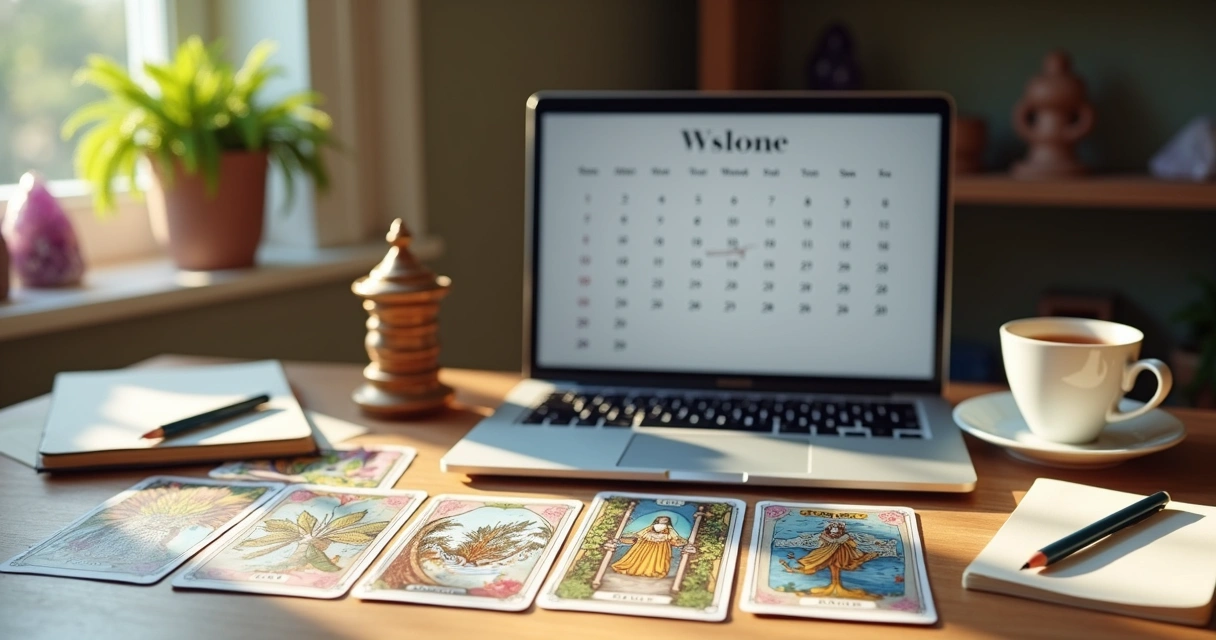 You do not need advanced technology—a whiteboard, a calendar app, and a single link can create huge relief in managing your online Tarot life.
Integrating social media and directory profiles
Many Tarot readers feel torn: “Should I focus on my directory profile, my Instagram, or my blog?” In our view, the answer is: integrate, don’t duplicate. Bring your digital presences together so each one points back to your core offerings and latest information.
How do you do this?
- Add your MysticLog Readers profile link in all your bios and posts—it becomes the “home base”
- Use a single link-in-bio site (like your MysticLog profile, or a free link tool) to send people to your booking, testimonials, and current offers
- If possible, schedule your social posts so your availability and themes are already in sync with your profile
This makes updating your information or changing your offerings much faster—you edit in one spot, then all your other presences reflect the same message.
Real-life workflows: examples from working readers
We have seen several practical routines emerge among professional readers using MysticLog Readers. Here are two real approaches readers use to keep the admin side from expanding:
- The single-document method: All bio, service lists, and policy details are kept in the cloud (e.g., Google Docs). Readers copy-paste to update any platform. Once a month (first Monday), they review and reset these details everywhere, which takes about 20 minutes total.
- The automated hub: Main booking and service descriptions live on a simple website. Each profile and social bio points there. Availability updates are pushed from a single calendar. Directory profiles mention, “See main site for current sessions.”
Less admin, more intuition—give yourself space for what matters.
Protecting your energy and preventing admin burnout
It may sound simple, but we believe one of the best steps is to set boundaries with your own admin work. Schedule time for reviews and updates, then let yourself step back and trust your system. Use tech to remind you, but don’t let it dictate your every move.
If a new directory, social platform, or marketing channel appears, refer to your content bank—reuse, don’t restart. If something feels like too much trouble to maintain, it may be a sign it’s not needed right now. Keeping things light is not only good for your peace—it’s better for your clients, too.
Making profiles work for you on MysticLog Readers
With all these strategies in play, perhaps the biggest mental shift is this: Your profile is a living space, not a static brochure. It should grow as you do, adapting simply and painlessly with your experience and evolving service list.
Our goal at MysticLog Readers is to support this approach. You keep control over your own relationships, pricing, and the way you appear. The digital tools we provide are there to make your journey lighter, so you can connect with more of the right people—without the admin drain.
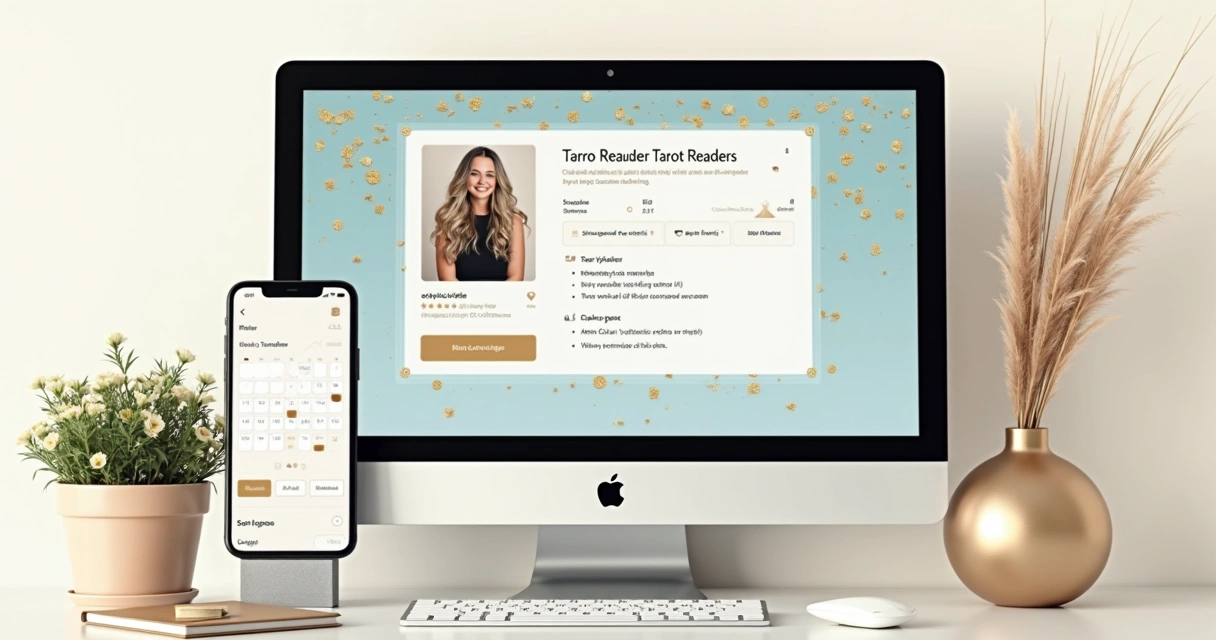 If you are looking for more details on how to organize your readings, especially across querents, see our article: a simple guide to organizing Tarot readings.
Conclusion: Your Tarot profile as a foundation for clarity and connection
In our shared journey supporting Tarot readers, we have seen that simplicity is not about cutting corners. It is about centering your true offering and trusting that fewer, better words can bring more clients, less admin, and greater peace of mind. Our wish is for every reader using MysticLog Readers to feel empowered, not overwhelmed, by their digital profile. Start with what feels natural, reuse your best content, sync your information from a single source, and protect your energy from the pitfalls of overstretch. That way, you open the door for deeper, more authentic connections each time someone finds you.
Ready to experience a simpler, more focused digital presence for your Tarot practice? Join MysticLog Readers and see how easy it can be to connect with your ideal seekers, on your terms, with no extra admin stress holding you back. We welcome you to the next step of your journey.
Frequently asked questions
What is a simple Tarot profile?
A simple Tarot profile is a clear and concise online representation of you and your services. It highlights only what a client needs to know: your main offerings, your reading style, how to contact or book you, and basic availability. It avoids long lists, detailed histories, or complicated menus. This approach gives clients the information they need quickly and reduces the time you spend on edits and updates.
How to keep Tarot profiles organized?
To keep Tarot profiles organized, stick to using a content bank or a single source (like a cloud document) for your core profile details. Set a schedule to review and update your information (such as once a month). Standardize your descriptions and reuse them across each platform you use, so you only need to make changes in one place. Use tools and directory platforms like MysticLog Readers which allow you to manage your main details without added complexity.
Is it worth simplifying Tarot profiles?
Yes, simplifying your Tarot profiles is very worthwhile. Doing this not only saves you admin time but also creates a better experience for your clients. They find what they need easily, and you avoid mistakes or outdated information spread across the web. Simplicity brings clarity, trust, and saves your energy for the intuitive work you love.
What tools help avoid more admin work?
Tools that help avoid more admin work include shared calendars (such as Google Calendar), content bank apps (like Notion or Google Docs), link-in-bio tools, and specialized CRMs for Tarot readers. Simple website builders and automation services can sync details between your platforms. The right tools let you update once and reflect changes everywhere.
Can I automate Tarot profile updates?
You can automate aspects of Tarot profile updates by using connectors like IFTTT or Zapier to share bio edits, changes in your availability, or promo posts across accounts at once. Some booking calendars can auto-sync your available times. Even just working from a single updated file and linking out from other profiles is a basic form of automation that cuts the admin workload.