

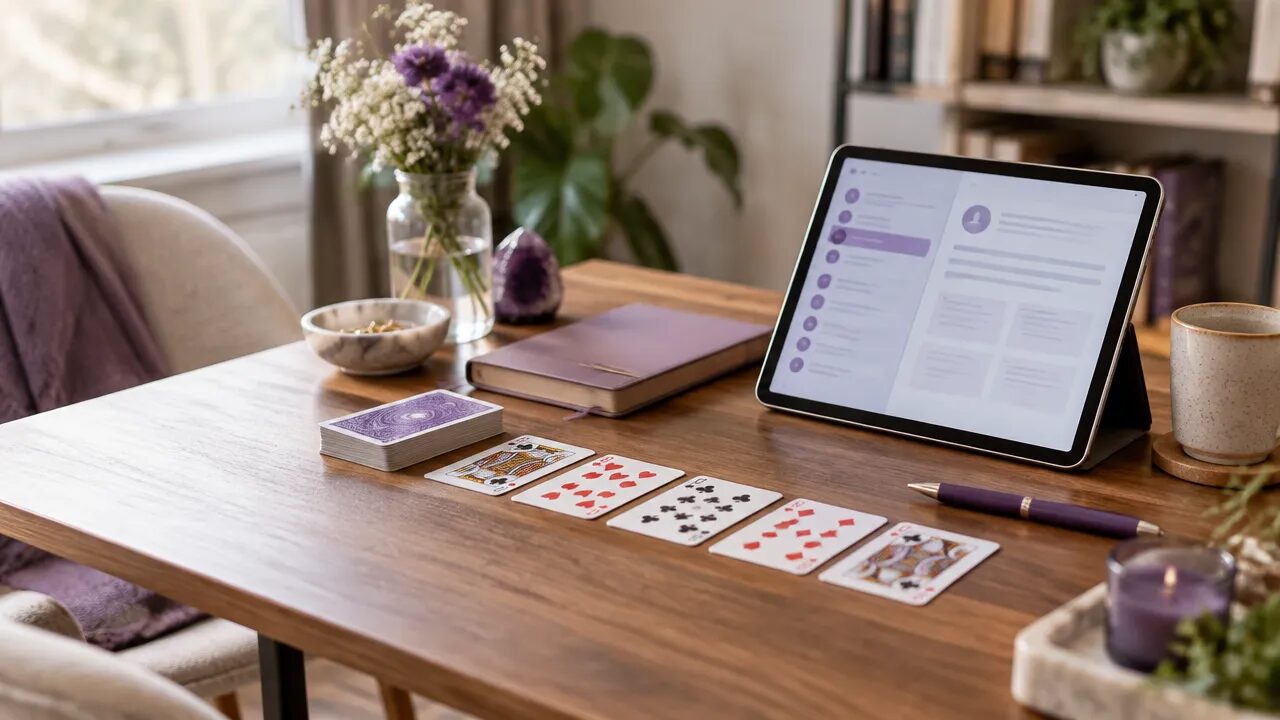
Cartomancy readers can use a consistent client record to make each consultation easier to prepare for and each returning session easier to connect with previous ones. MysticLog gives independent readers a digital workspace for client profiles, playing-card reading notes, consultation histories, appointments, and follow-up. The goal is not to document every thought, but to preserve the details that support thoughtful, personalized service.
Key takeaways for cartomancy practice management
- Create one profile for each client and attach dated reading notes to it.
- Record the question, cards, interpretation, and agreed next steps in a repeatable format.
- Keep client observations distinct from symbolic interpretation and prediction.
- Use the consultation history to prepare for returning clients, not to predetermine future readings.
- Choose a record system that fits your workflow and treat privacy as part of good client care.
Why organized reading records matter as a practice grows
Client notes help a cartomancer continue a conversation without relying on memory alone. A brief, structured record can remind you what a client asked, which cards appeared, how you interpreted them, and what they wanted to revisit. That context is especially helpful when clients return weeks or months later.
Handwritten journals can feel natural, especially when you are starting out. But as consultations accumulate, locating one person’s earlier reading may mean scanning several notebooks, loose pages, or phone notes. A digital record can make information easier to find, provided you enter it consistently and avoid keeping competing copies.
The strongest system is not the one with the most fields. It is the one you can maintain after every consultation. MysticLog is designed to bring client profiles and session histories into one workspace, so readers can spend less time sorting records and more time preparing for the work itself.
What should a cartomancer include in a client profile?
A useful profile holds practical context that helps you serve the client, not an exhaustive biography. Start with identifying and communication details, then add preferences the client has shared that are relevant to future consultations.
- Contact and scheduling: the client’s preferred name and contact method, plus appointment details.
- Reading preferences: preferred session format, pacing, or whether they like a particular spread.
- Consultation history: dated entries that summarize each session and link to its notes.
- Follow-up context: any next step the client agreed to, or a preferred time to check in.
Keep sensitive or unrelated personal details out of the profile unless they are genuinely needed for your service. For a practical framework on what belongs in a record, this guide to organizing consultation records can help you establish a simple structure.

How to record a playing-card reading consistently
A repeatable session note makes readings easier to review without flattening their nuance. Use the same basic sequence each time, then add interpretation in your own words rather than relying on shorthand that may not make sense later.
- Capture the date and format. Note whether it was an in-person, phone, or online consultation and identify the spread or reading method.
- Write the client’s question. Summarize it accurately and respectfully, keeping the client’s wording when useful.
- List the cards and positions. Record the cards drawn and where each appeared in the spread.
- Summarize your interpretation. Note the key themes and how you explained the symbols in the context of the question.
- Record agreed next steps. Include a follow-up preference only when it was discussed or requested.
For example, a three-card reading note might say: “Asked about changing roles at work; past, present, and next-step positions recorded; discussed a pattern of avoiding direct conversations; client wants to reflect before deciding.” This is more useful than a bare card list, while avoiding a claim that the cards determine what the client must do.
Readers building a workflow from scratch can use this guide to record a first cartomancy session as a starting point.
How to make session notes useful without over-documenting
Good notes preserve the reasoning and context you may need later, without turning a consultation into a transcript. Record what supports continuity: the question, the reading structure, the interpretation you shared, and the client’s stated response or next step.
Separate three kinds of information so a future review stays clear:
- What happened: the date, spread, and cards drawn.
- What you interpreted: the symbolic themes you discussed and how they related to the question.
- What the client chose: their feedback, preferences, or actions they said they might take.
This distinction helps prevent an interpretation from being mistaken for a confirmed fact about the client. Use neutral language, avoid judgmental labels, and do not write assumptions as though the client stated them. If a detail is not useful for future service, it probably does not need to be in the record.
How does digital record keeping compare with a paper journal?
Paper and digital notes can both work; the main difference is how easily you can organize, retrieve, and connect records over time. A simple comparison can help you choose a workflow that matches your client volume and preferences.
| Consideration | Paper journal | Digital client workspace |
|---|---|---|
| Capturing notes | Quick and familiar during a session | Structured fields can make entries more consistent |
| Finding past details | May require searching across pages or books | Profiles and dated histories can bring related notes together |
| Appointment context | Often kept separately from the journal | Can be managed alongside client records and scheduling |
| Ongoing maintenance | Requires careful filing and physical storage | Requires a dependable digital workflow and account practices |
Some readers prefer a hybrid approach: jot down brief notes during the consultation, then enter the final summary into one digital record afterward. If you do this, decide which version is authoritative and transfer information promptly so details do not remain scattered.
How can consultation history improve a returning client’s experience?
Reviewing a client’s previous readings can help you understand what has changed since the last appointment and what they want to explore now. Begin with their current question, then use earlier notes as context rather than assuming an old theme still applies.
A useful pre-session review can take just a few minutes:
- Check the date and topic of the last consultation.
- Recall the spread, card themes, and interpretation you previously discussed.
- Notice any follow-up preference or question the client chose to revisit.
- Ask the client what has changed before connecting the new reading to the old one.
MysticLog supports maintaining a centralized consultation history, and Mysty can help summarize previous readings so a practitioner can review relevant context before a new session. The assistant is intended to support your preparation, not replace your judgment or decide what a reading means.
Readers managing many entries may also benefit from a method for organizing long-term reading histories.

How can you protect client information in a digital workflow?
Make privacy part of the process from the beginning: collect only useful details, limit who can access records, and use sensible account and backup practices. Client notes may include personal context, so convenience should not come at the expense of care.
The National Institute of Standards and Technology’s cybersecurity basics for small businesses recommend steps such as using strong passwords, enabling multifactor authentication when available, and backing up important data. These are general security practices, not a substitute for checking the privacy obligations that apply to your own work and location.
- Use a unique, strong password for the account that stores records.
- Enable multifactor authentication when the service offers it.
- Keep devices and software updated, and lock devices when unattended.
- Review what you collect and remove details that are no longer needed.
- Understand how your chosen tools store and handle client information.
Do not promise absolute confidentiality based on a tool alone. Be transparent with clients about your record-keeping practices and follow the rules relevant to your profession and jurisdiction.
How MysticLog fits a cartomancy reader’s daily workflow
MysticLog brings client profiles, reading histories, appointment management, and follow-up opportunities together for independent practitioners. A cartomancer can keep dated playing-card interpretations connected to the right client, review earlier notes when someone books again, and manage appointments through an integrated calendar.
Personalized booking links can make it easier for clients to request a time, while email and WhatsApp reminders can help keep upcoming appointments visible. Dashboards provide an overview of consultation activity, and the platform can surface clients who have not returned for some time. Any re-engagement should still be thoughtful, relevant, and consistent with the client’s preferences.
Mysty can help summarize previous consultations and offer additional perspectives on symbolic interpretations. The reader remains responsible for the reading, the client relationship, and any professional guidance. MysticLog offers a 15-day free trial with no credit card required, according to the product information provided for this article.
Build a record-keeping routine you can sustain
Start with a small template and use it after every reading. A consistent record of the client’s question, cards, interpretation, and agreed next step is more valuable than a detailed form that feels too burdensome to complete.
Once the habit is established, review whether your system makes it easy to prepare for returning clients and manage your calendar. MysticLog is one option for keeping those practice tasks together, while a paper journal or another digital setup may suit readers with different needs. Choose the workflow you can maintain, keep notes respectful and relevant, and let each client’s current question lead the next consultation.
Frequently asked questions
What should cartomancers record after a reading?
After a reading, record the date, spread or method, cards drawn, the client’s question in their own words, your interpretation, and any agreed follow-up. Keep observations separate from predictions, and note what the client wants remembered for next time. A consistent format makes past sessions easier to review without adding unnecessary detail.
How can cartomancers organize records for repeat clients?
Organize returning clients with one profile per person and connect each dated consultation to it. Use consistent labels for topics, spreads, and follow-up preferences so you can find relevant history before a new session. Avoid keeping duplicate notes in several places, where details can drift or become difficult to locate.
Can digital tools replace handwritten cartomancy notes?
Digital records can replace handwritten notes if the system fits your workflow and you have a reliable way to access and back up the information. You can still write by hand during a session, then transfer the useful details into a structured record afterward. Choose one system of record to avoid conflicting versions.
How can I keep cartomancy client notes organized and private?
Collect only information that supports the consultation, and be clear about how you use and retain your notes. Use strong, unique passwords, turn on multifactor authentication where available, and back up important records. NIST’s small-business guidance recommends practical steps such as securing accounts and regularly backing up data.
Is MysticLog useful for professional cartomancers?
Yes. MysticLog is designed to help independent professionals manage client profiles and consultation histories, including playing-card readings. Cartomancy readers can use it to keep session notes accessible, review a client’s previous consultations, and manage appointments in one workspace, while remaining responsible for their own interpretations and professional decisions.