


Psychic medium practice software can help independent practitioners organize repeat consultations, preserve useful session context, and manage bookings without relying on scattered notes and messages. MysticLog brings client profiles, consultation histories, session notes, a booking link, and an integrated calendar into one workspace. The goal is practical: spend less time reconstructing a client’s history and more time preparing for the conversation ahead.
What to look for in software for a medium’s practice
- Client profiles: Keep contact details and relevant preferences in one place.
- Consultation history: Review earlier sessions before a returning client arrives.
- Session notes: Save observations and next steps in a consistent format.
- Scheduling: Let clients request appointments through a personal booking link and manage them in a calendar.
- Follow-up support: Keep track of agreed next steps and appointment reminders.
The best fit depends on how you work. A medium who offers ongoing private consultations may need a connected client record and calendar more than a consumer app that simply connects people with available readers.
Practice software and psychic reading apps serve different needs
Practice management tools help you run your own service. Consumer psychic apps, by contrast, are generally designed to help users find or contact readers through a platform. If you have your own clients, your daily needs may include tracking their history, recording session notes, and managing your availability.
A general calendar can help block out appointments, but it may not connect each appointment to a client profile or a record of past consultations. When comparing tools, consider whether you want separate apps for scheduling and notes, or a workspace that keeps those parts of your workflow together. This comparison of practice management options offers a related perspective on choosing between general tools and a more specialized system.
Why client history matters when consultations repeat
A clear history helps you prepare without asking returning clients to repeat every detail. Before a session, you can review the topics they previously raised, the observations you recorded, and any follow-up they agreed to. That context can make a consultation feel more continuous while leaving room for the client’s current needs to lead.
Keep notes useful rather than exhaustive. Record what supports professional continuity, distinguish a client’s own words from your interpretation, and avoid treating an earlier reading as a fixed prediction. A consistent approach to organizing consultation records can make it easier to find relevant context later.
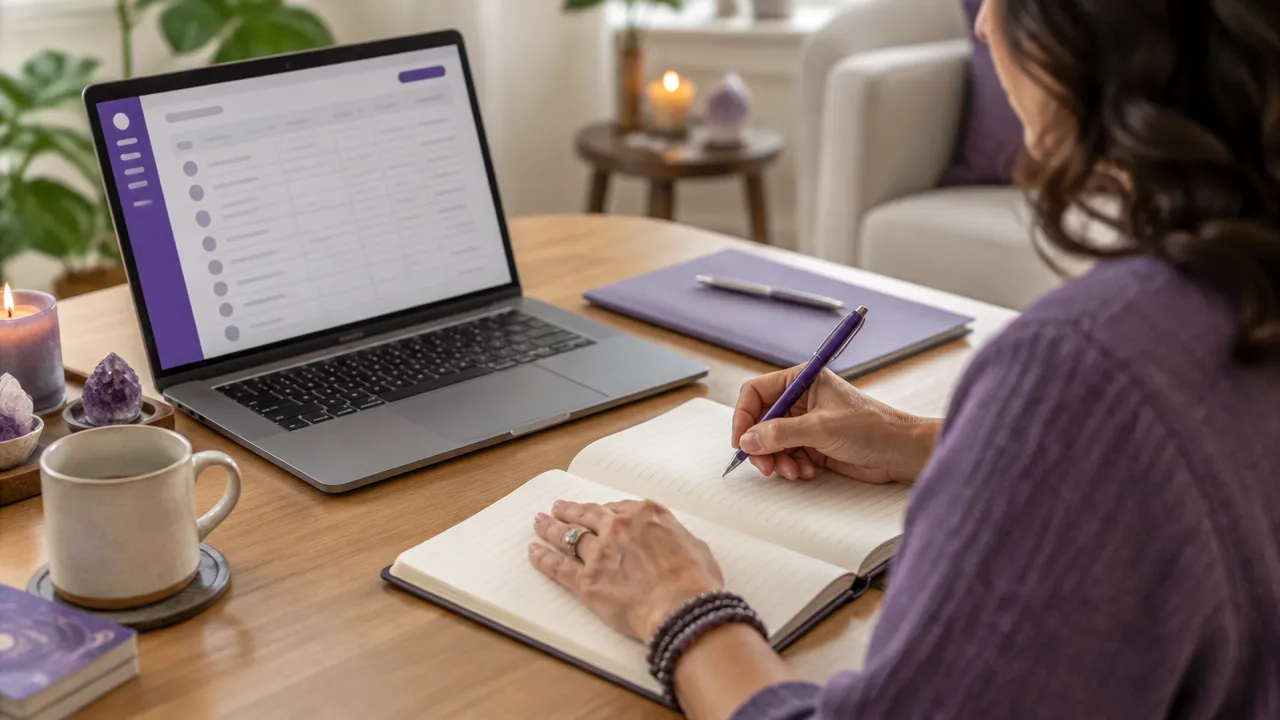
What should a medium record after a session?
A short, structured note is usually easier to revisit than a long, unorganized account. Create a repeatable template that captures the information you actually need to prepare for future work.
- Session basics: Date, service type, and whether the appointment was online or in person.
- Client context: The goals or questions the client chose to share.
- Your observations: Important impressions, themes, or details from the session.
- Next steps: Any resource, follow-up, or future appointment discussed.
- Preferences: Practical requests about communication or scheduling.
Keep facts and interpretations distinct. For example, note what a client said separately from your impression of a recurring theme. A brief note about what to capture in an initial session can help you build a simple recordkeeping habit, even if your own work focuses on mediumship.
How MysticLog helps manage ongoing client relationships
MysticLog gives practitioners a centralized place to manage client profiles and consultation history. You can record session notes and store relevant insights, images, and documents, then revisit those records when a client returns. This can reduce the need to search through separate notebooks, messages, and files to reconstruct the timeline.
For a medium, the value is not in making a session more scripted. It is in having the practical context available while keeping your attention on the person in front of you. Use the record as a preparation aid, not as a substitute for listening or professional judgment. Keep details proportionate to the service and your own recordkeeping needs.
Can clients book consultations through a personal link?
A personal booking link gives clients a straightforward way to request a consultation based on your availability. MysticLog includes a personalized booking link and an integrated calendar, so you can share the link through your website or social channels and manage appointments in one place.
Before sharing the link, make your service details, appointment length, and availability clear. Then keep the calendar current so clients are not requesting times you cannot offer. MysticLog also supports email and WhatsApp reminders, which can help keep clients informed about upcoming sessions. A thoughtful booking request workflow can make scheduling easier for both the practitioner and the client.

Protect client notes with deliberate recordkeeping
Consultation notes may contain personal details, so decide what you need to record and how you will manage it. Use a consistent workspace, avoid collecting information that is not relevant to your service, and be thoughtful about who can access client records. Explain your recordkeeping practices when appropriate, and check the privacy rules that apply to your location and professional role.
Also consider how you will handle older records and any files attached to a profile. A clear approach to storage, access, and backups helps you work more consistently and reduce reliance on scattered copies. These secure record storage practices are useful considerations for any practitioner handling consultation histories.
Build a repeatable workflow for every consultation
Software is most useful when it supports a routine you can maintain. A simple process keeps preparation, documentation, and scheduling connected without adding unnecessary administration.
- Review the client profile and previous consultation notes before the appointment.
- Confirm the current booking details and the client’s stated focus.
- After the session, add a concise note using the same structure each time.
- Record any agreed follow-up and update the appointment calendar if needed.
- Revisit the history before the next consultation, while staying open to new information.
If you want to reconnect with past clients, separate a relevant, respectful follow-up from an automatic sales message. Track preferences and prior agreements so outreach reflects the relationship. A considered follow-up process for practitioners can help you make that part of your routine more manageable.
Frequently asked questions
Are mediums the same as psychics?
The terms can overlap, but people do not always use them in the same way. Some use “psychic” broadly for intuitive readings and “medium” for communication with spirits. Because terminology varies, software should let practitioners describe their own services clearly rather than impose a label.
How do you know if a medium is real?
Software cannot establish whether a medium is genuine or verify spiritual claims. It can support a professional client experience by keeping appointments, service descriptions, and notes organized. Practitioners should communicate their approach and limits clearly, avoid promising specific outcomes, and treat clients respectfully.
What should psychic mediums record after a consultation?
Record the consultation date, the service provided, the client’s stated goals, relevant details they shared, your observations, and any agreed next steps. Keep facts separate from interpretations, avoid unnecessary sensitive details, and note follow-up preferences so the record helps you prepare without becoming a transcript.
Can clients book a medium online through MysticLog?
Yes. MysticLog offers a personalized booking link and an integrated calendar, so clients can request consultations based on your availability. You can manage upcoming appointments in one place and use email and WhatsApp reminders to help clients stay informed before a session.
How can session notes be kept private?
Keep only information that serves a clear professional purpose, limit access to client records, and review how notes and documents are stored. Explain your recordkeeping practices to clients when appropriate, and follow the privacy requirements that apply to your location and services. Avoid placing sensitive details in unsecured personal notes.